Workstations for architects and design studios
Certified workstations and colour-accurate displays for CAD, BIM and rendering.
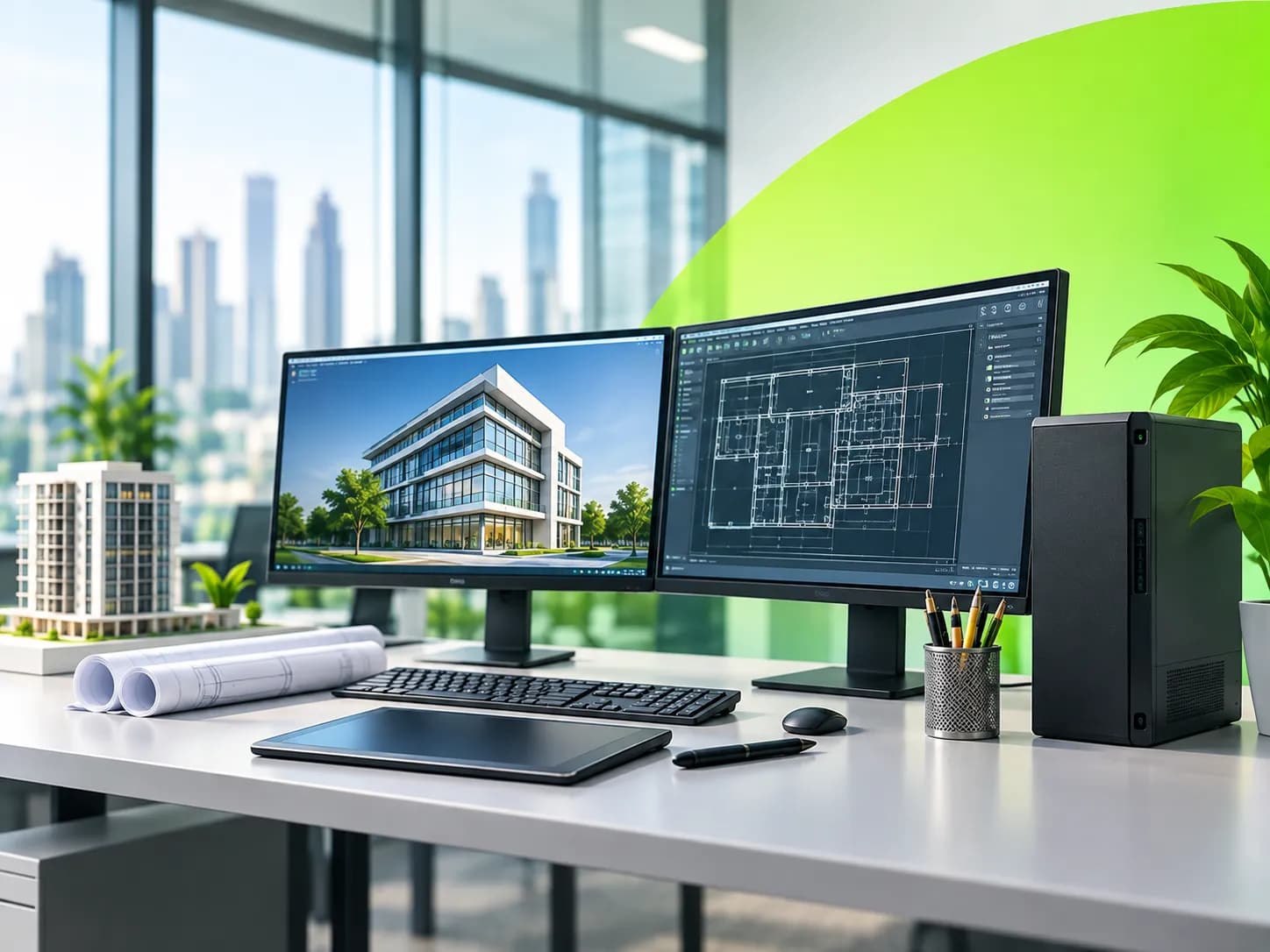
CAD, BIM and rendering punish ordinary PCs. Studios need certified workstations with professional graphics, plenty of memory and screens that show colour accurately, plus mobile workstations for site visits and client presentations.
We size each machine to the software your team actually runs.
What slows architecture & design teams down
- Models that lag or crash as projects grow
- Renders that tie up a machine for hours
- Colours that look different on every screen
- Laptops too weak to open the model at a client meeting
What each role in architecture & design needs
Architects and BIM modellers
Certified tower workstation, professional GPU, 32 to 64 GB memory, two calibrated monitors.
Visualisers and render artists
The most GPU power you can budget for, fast NVMe storage and good cooling.
Partners and site architects
Mobile workstation that opens the full model at a meeting or on site.
Our picks for architecture & design
UAE part numbers with local warranty. Prices on request for your quantity.
Dell Pro Max 16 (MC16250)
Intel Core Ultra 7 / 9 H s… · 16 to 32 GB DDR5 depending… · 512 GB or 1 TB SSD dependi…
Lenovo ThinkPad P16s Gen 3 (Intel)
Intel Core Ultra 5 / 7 / 9… · Up to 96 GB DDR5-5600, two… · One M.2 SSD, up to 2 TB
Lenovo ThinkStation P3 Tower Gen 2
Intel Core Ultra 7 / 9 (Se… · Up to 256 GB DDR5, four sl… · Two onboard M.2 slots plus…
Questions we get asked
Equipping a architecture & design team?
Tell us how many people and which roles. We reply with a shortlist and B2B pricing, usually within a working day.